Clipboard history
Automatically captures copied text and keeps recent history easy to browse.
ClipVault is a polished desktop clipboard manager for Windows built for people who want a cleaner, faster, and more reliable clipboard workflow.
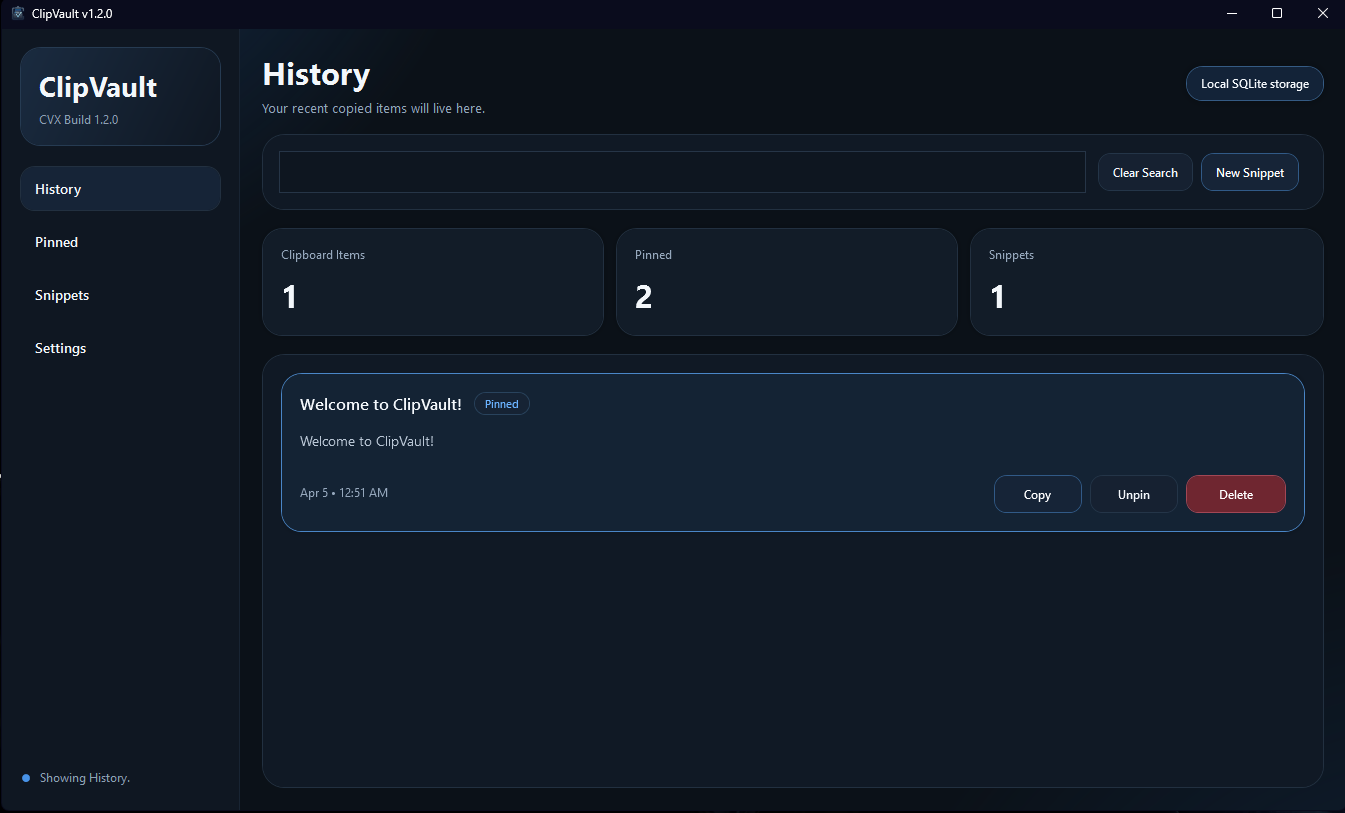
Clipboard data, settings, and logs stay on the machine.
No bloated feature dump. Just the clipboard tools that matter.
A native desktop experience designed around a polished WPF UI.
ClipVault focuses on the core features people actually use every day.
Automatically captures copied text and keeps recent history easy to browse.
Keep important clipboard entries available and protected from normal cleanup.
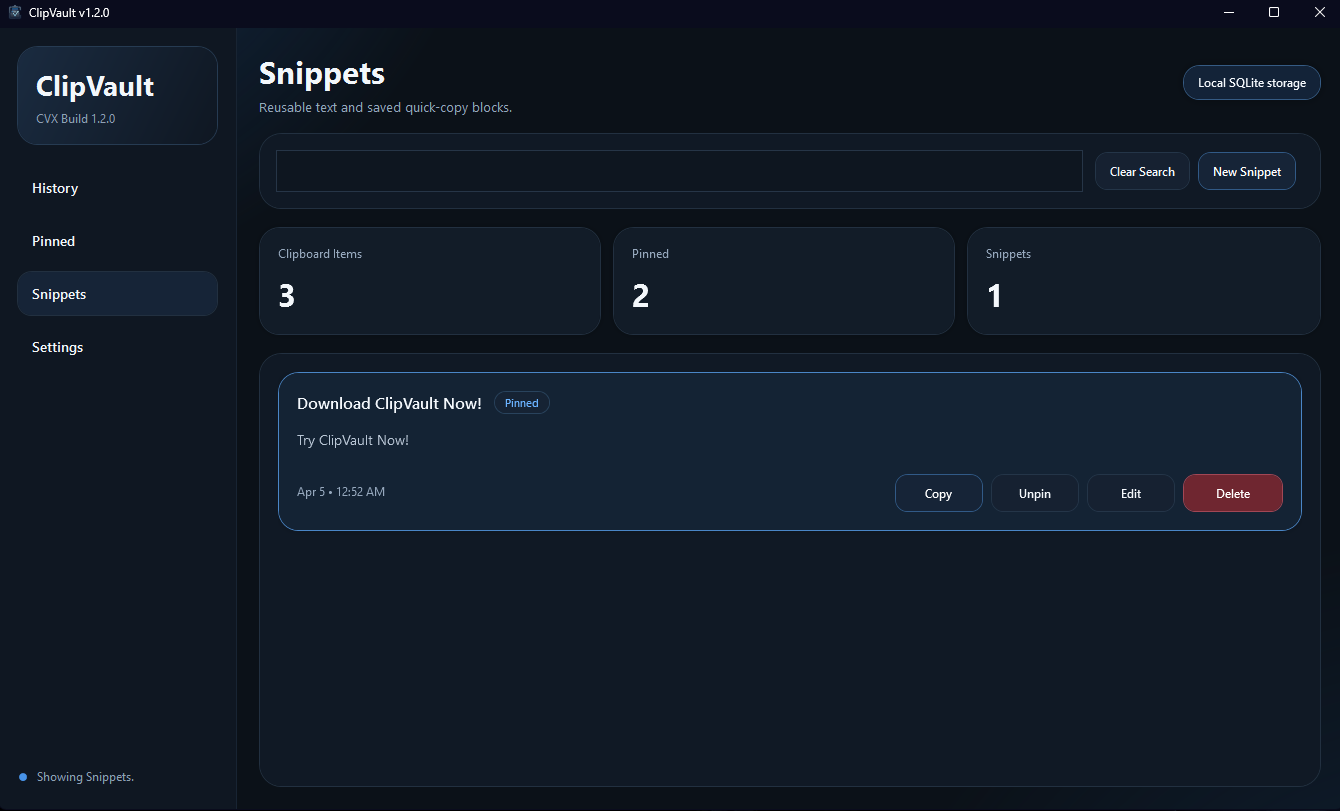
Save text you use often and copy it back instantly when you need it.
Quickly find clipboard entries, pinned items, snippets, and relevant log data.
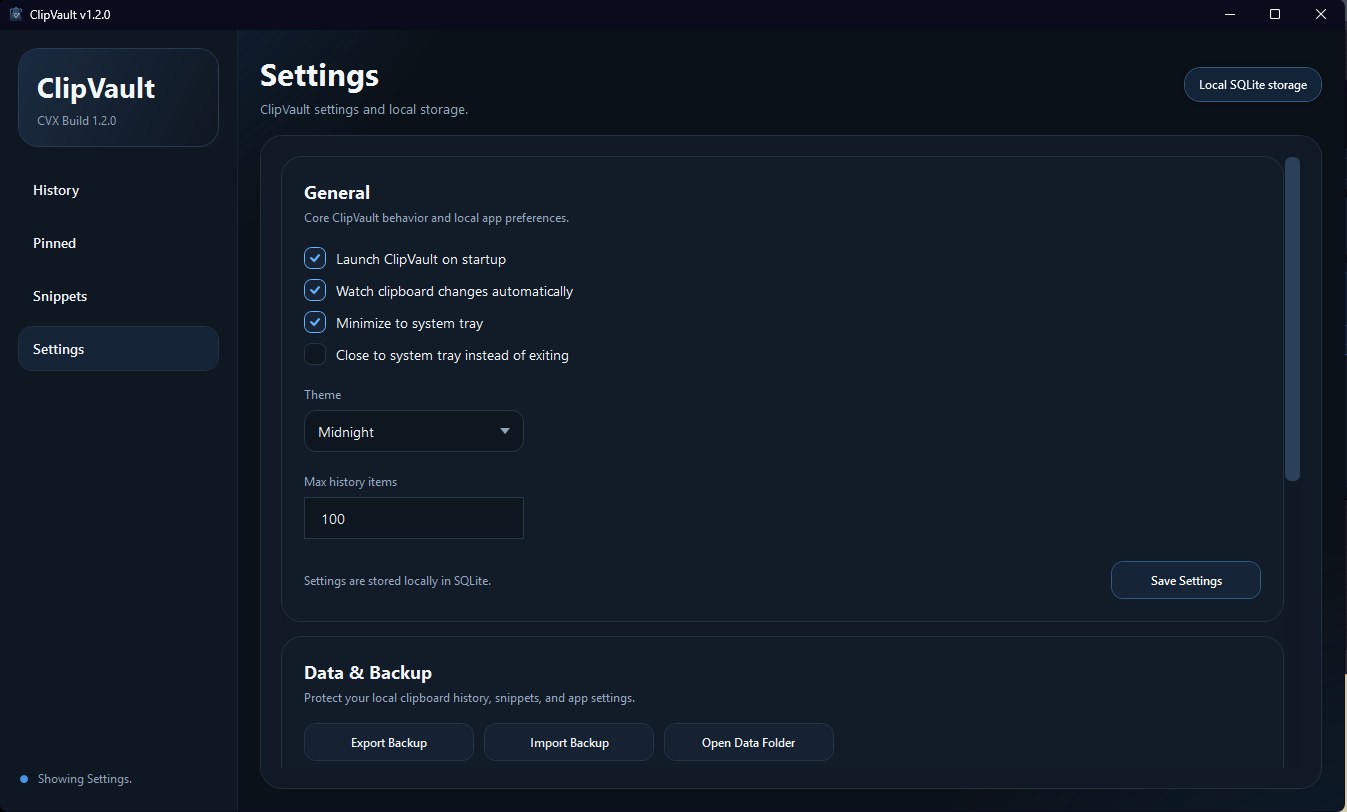
Keep ClipVault close by without it getting in the way of the rest of your desktop.
Installed builds can check for updates through the ClipVault release feed.
ClipVault is built to feel clean, fast, and native on Windows.
Main window
Snippets
Settings
ClipVault is built for people who want more than basic clipboard history, but less clutter than a bloated utility suite.
Keep reusable snippets and pinned entries close instead of relying on a short-lived clipboard list.
A polished interface helps keep history, pinned items, snippets, and settings easy to understand.
Tray support, local storage, and focused feature scope keep the app useful without getting in the way.
ClipVault is focused on local text clipboard workflows. Clipboard data, settings, and logs are stored locally on the machine.
Because clipboard data can be sensitive, the goal is to keep the experience clear, respectful, and easy to control. Read the privacy page for storage and backup details.
Grab the latest release from GitHub and install ClipVault like a normal Windows app.
Open ClipVault, review your preferences, and leave clipboard monitoring enabled if you want automatic capture.
Start copying text, pin what matters, and create snippets for things you reuse often.
Download the latest release, explore the project on GitHub, and read the docs, FAQ, and changelog as the app grows.